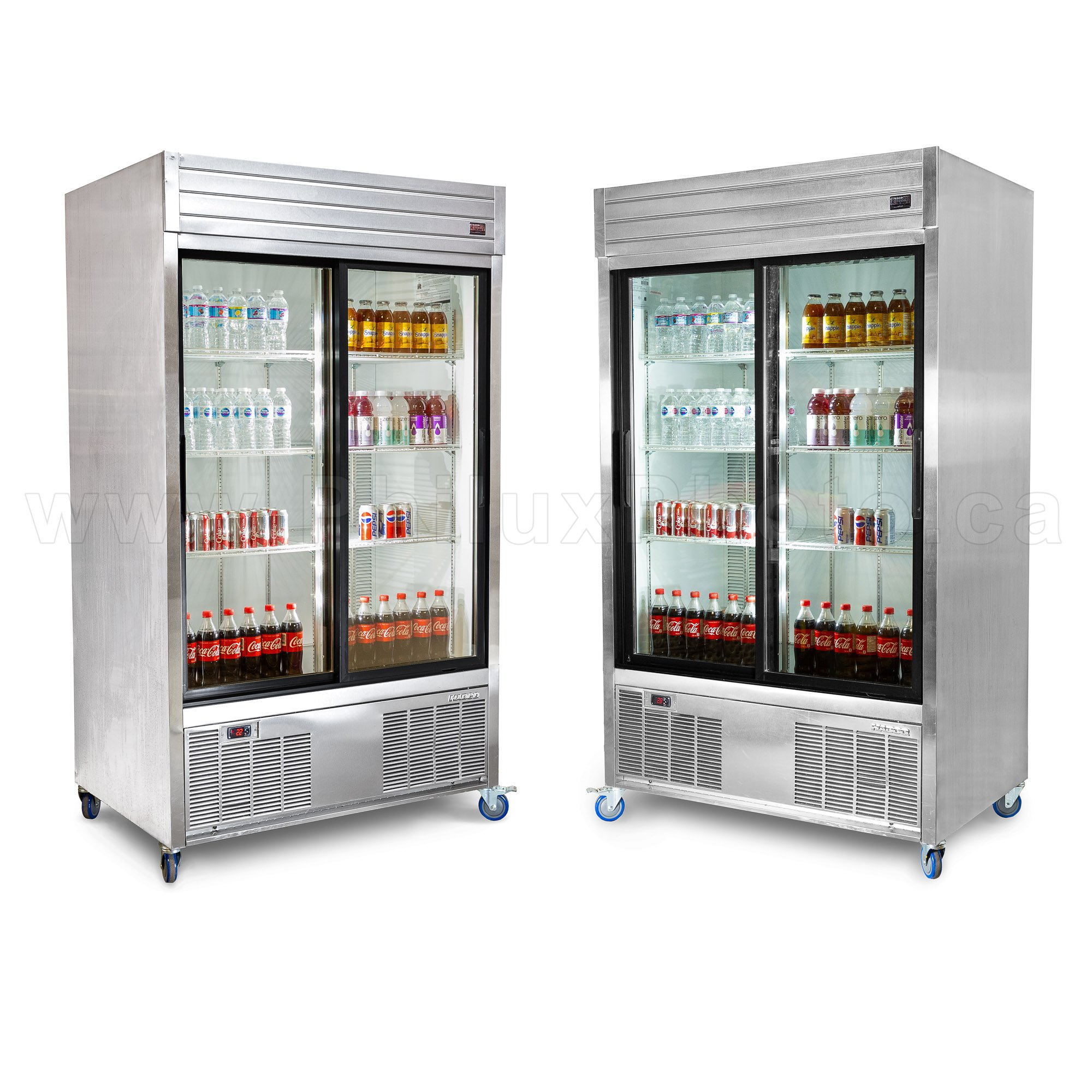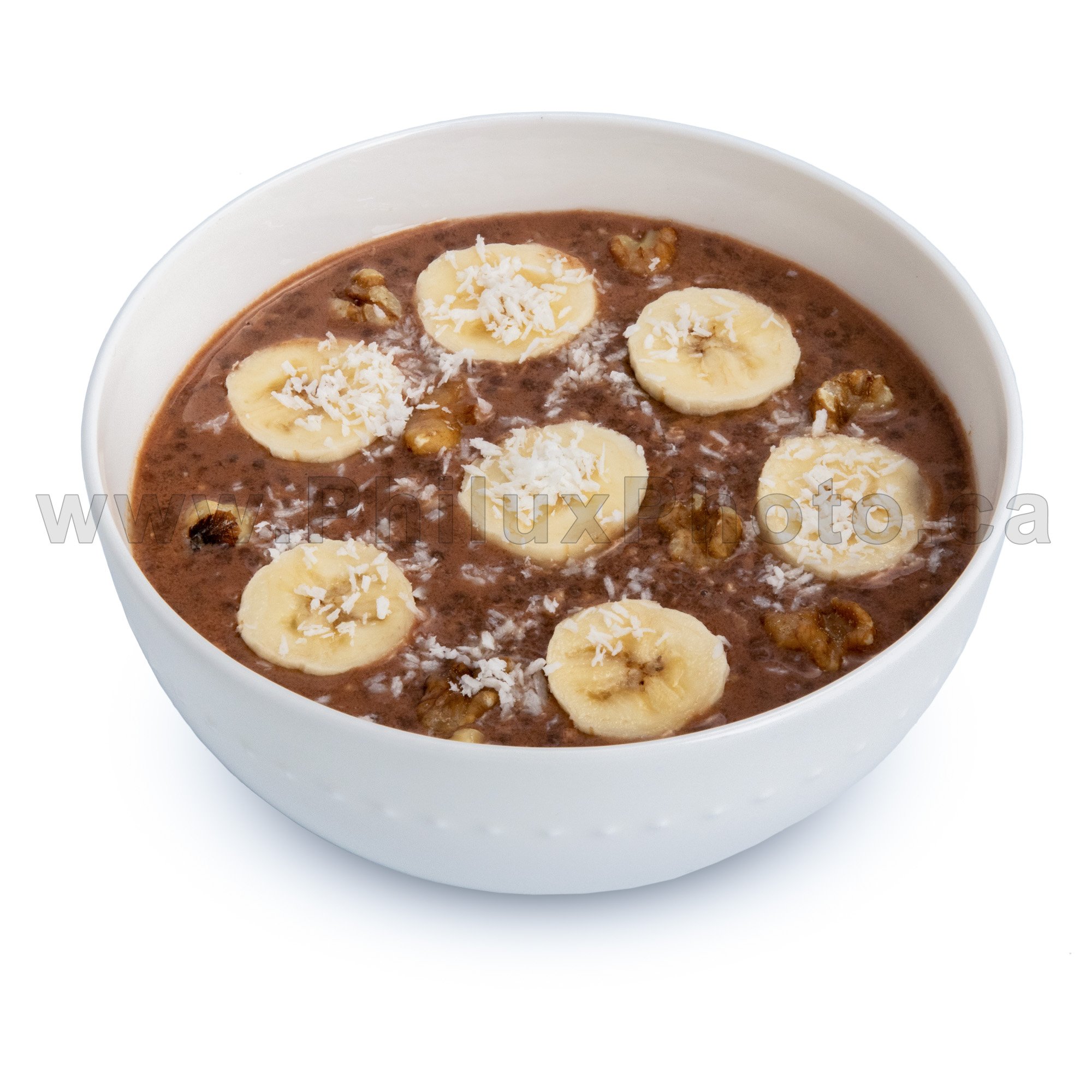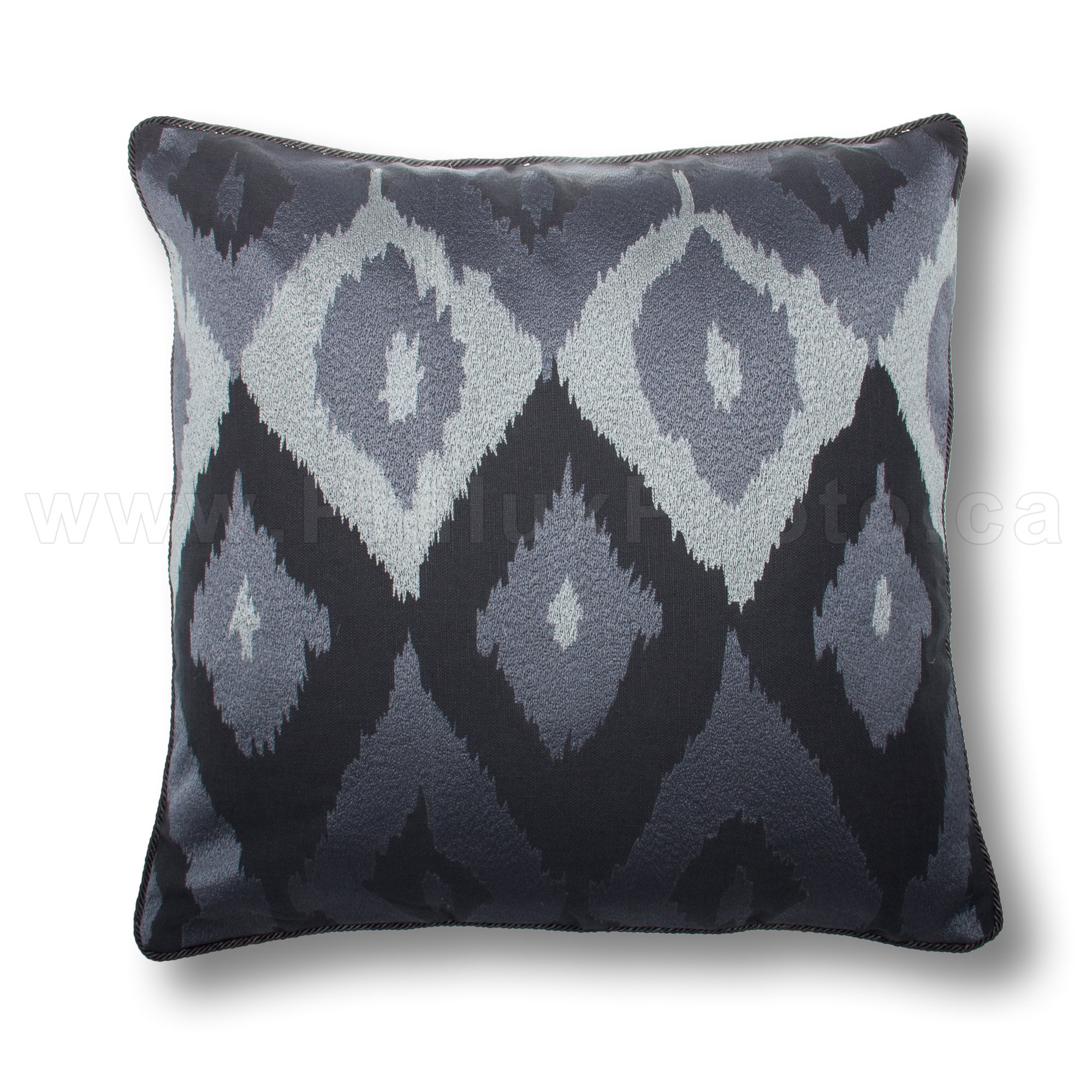

Transparency or masks offer flexibility to your photos.
There’s a few advantages to asking for a PNG with transparency mask, but you need to have some knowledge and editing skills to really take advantage of this.
Get in Touch !
We send quotes immediately.
Advanced Editing
Transparent backgrounds give the basic start to change the background of an image, group items together, add reflections, graphics, text, etc.
You can see here some graphics examples.
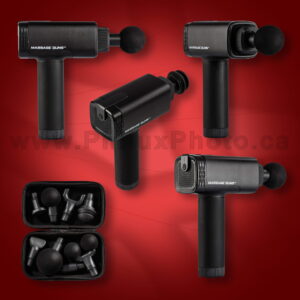
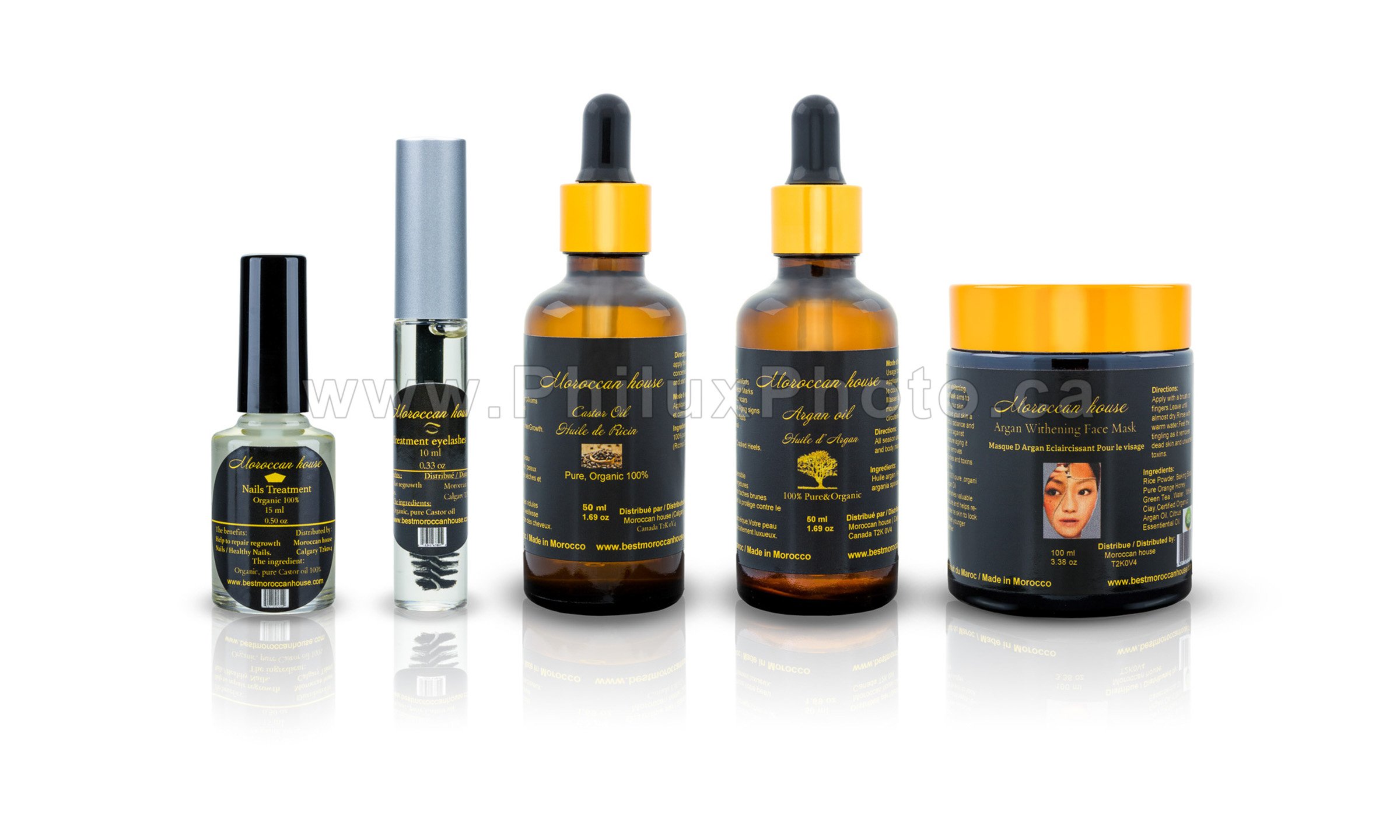

Overlapping
A clean background will allow overlapping objects. Opens the door to more fancy effects.
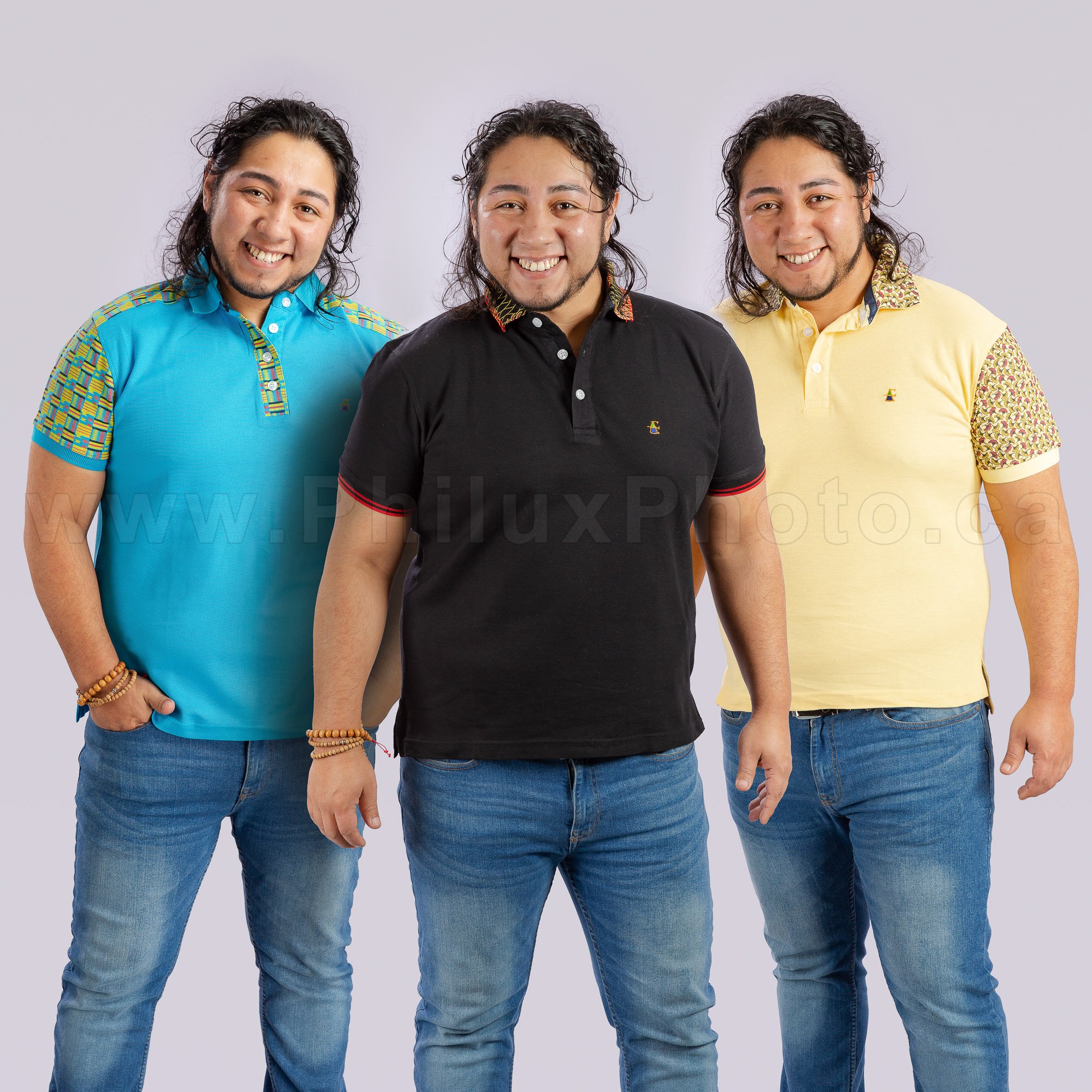
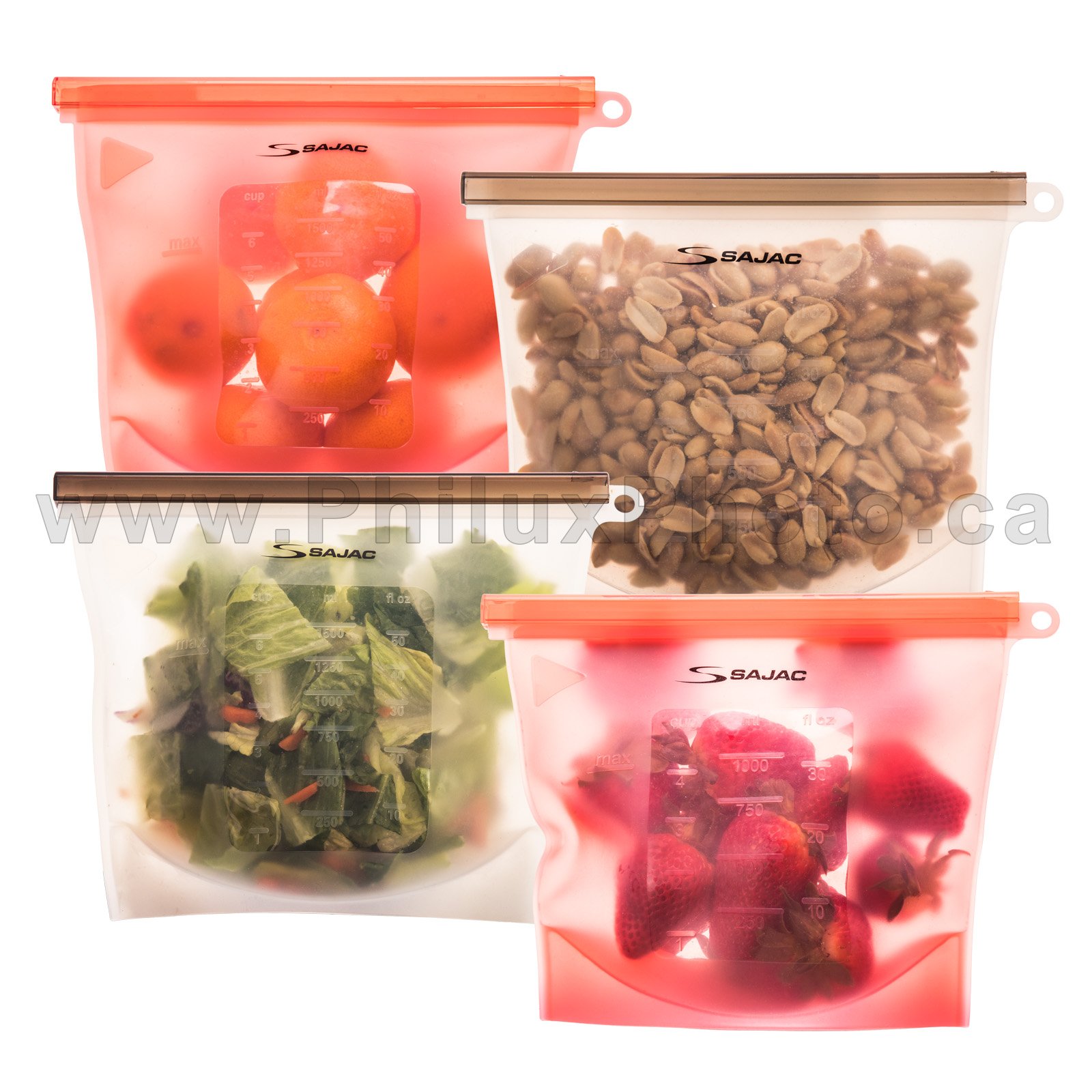

Collages
Get items closer together without the risk of overlapping backgrounds. Editing is necessary to create a transparency mask.
More about collages here.


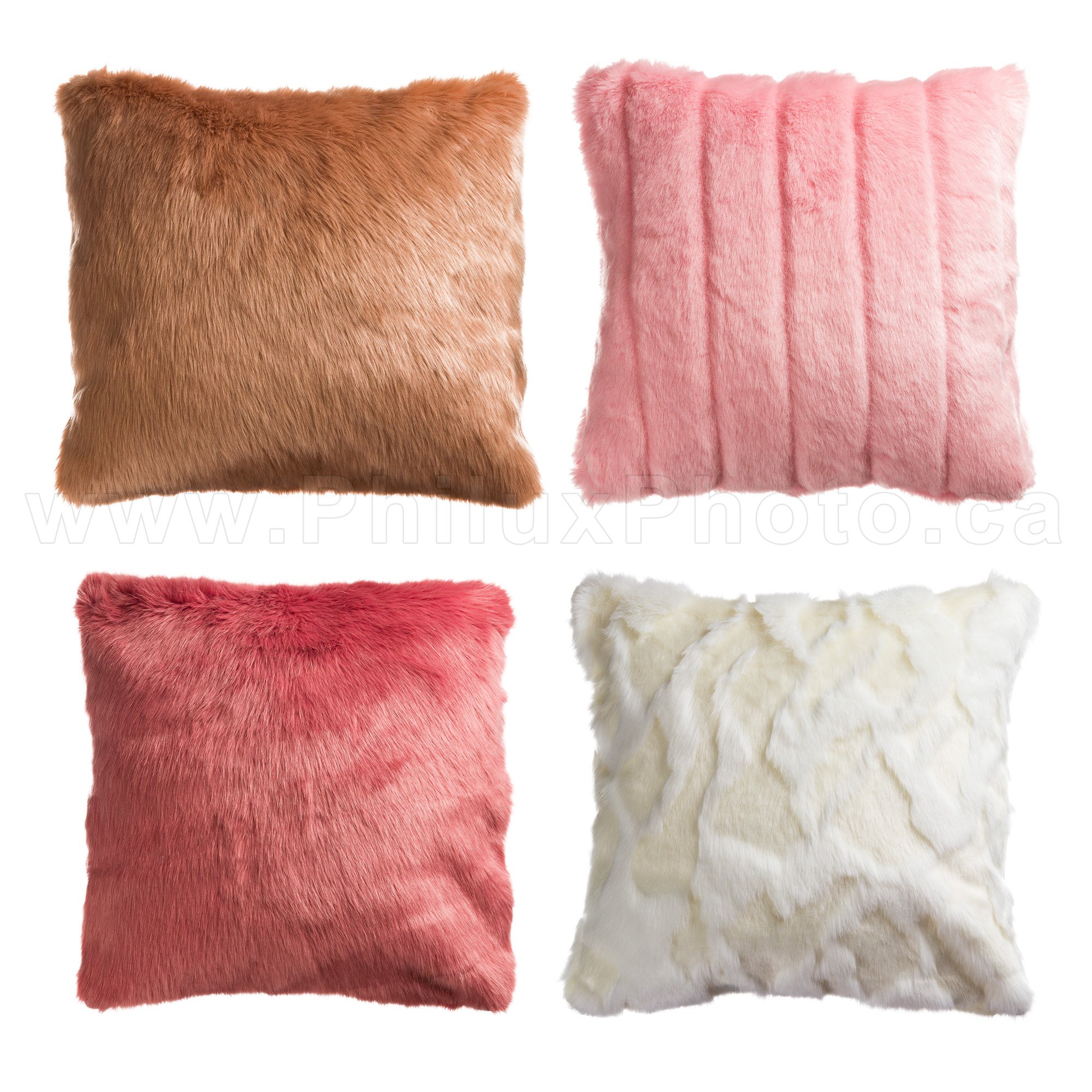
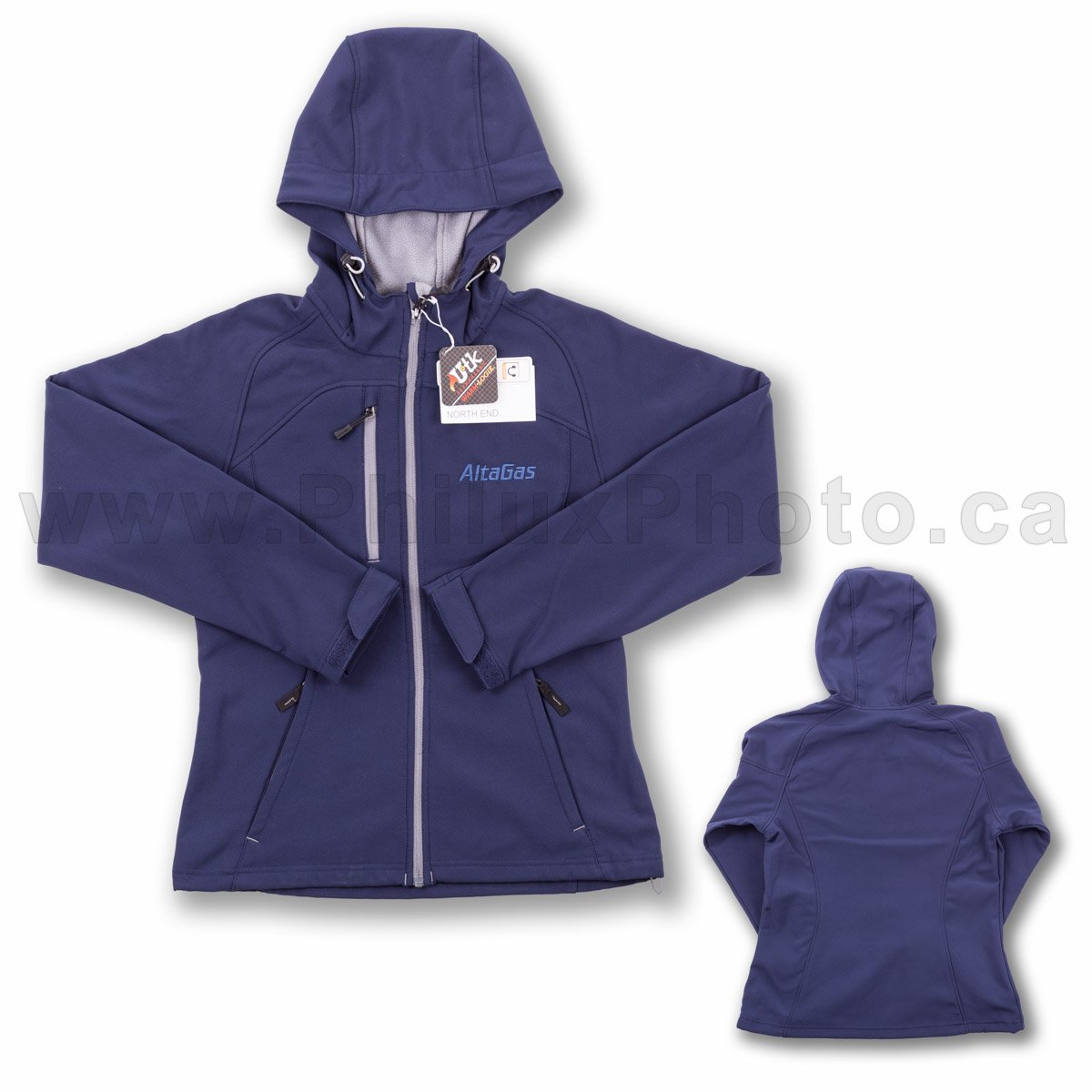
Add Shadows
One basic reason to use a transparent background is to add shadows, simple or natural simulated shadows.
More about shadows here.